Back to overview
Microsoft Login, Top Care, and the Risk module
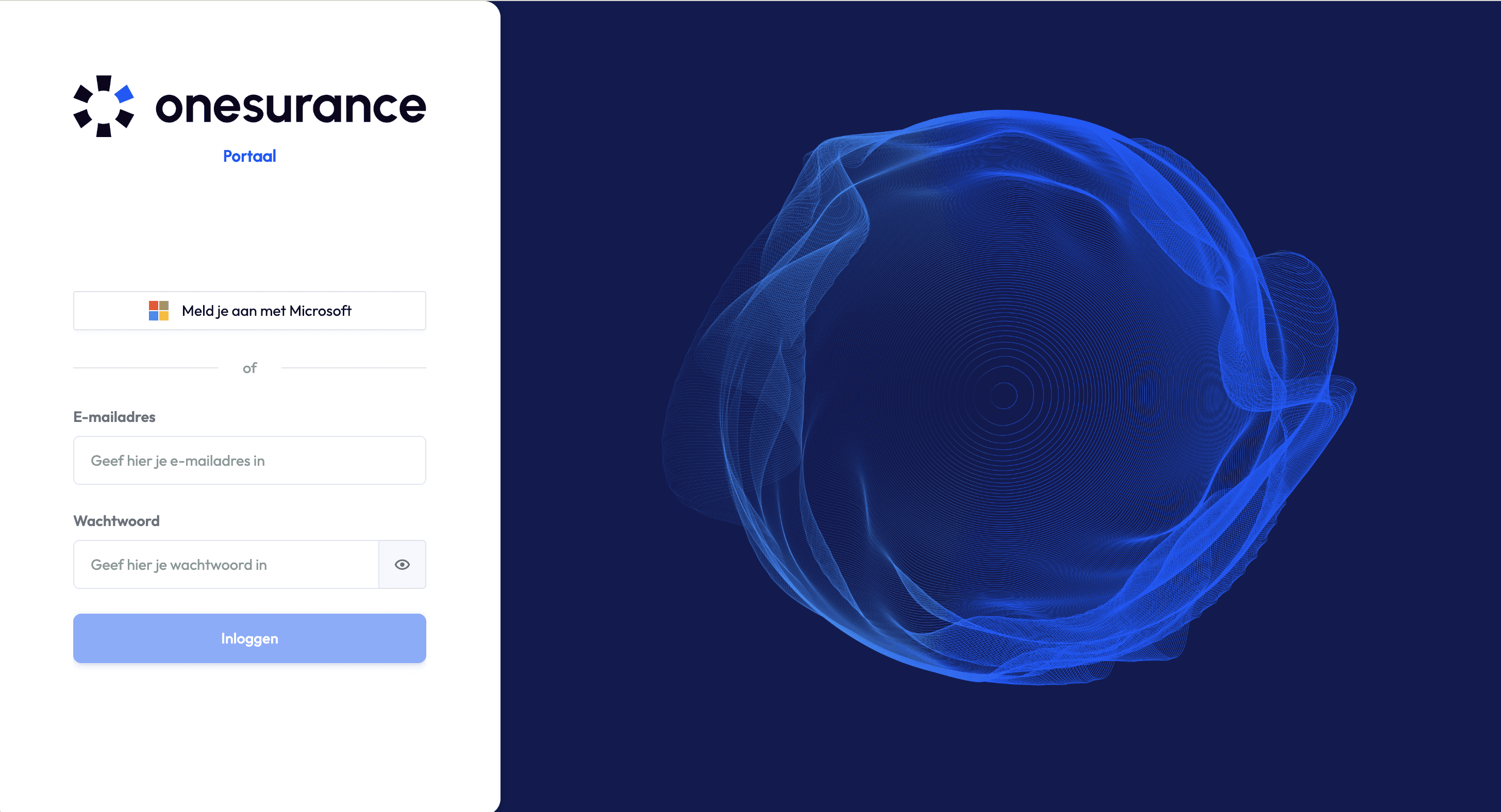
Additional login method: Microsoft account
Starting today, you can log in to the Onesurance using your own Microsoft account from your organization. Your organization must be eligible for this, and it must be activated for you. Interested in this new login method? Please contact your contact person at Onesurance.
Read more about the new login method on this page.
Top Care
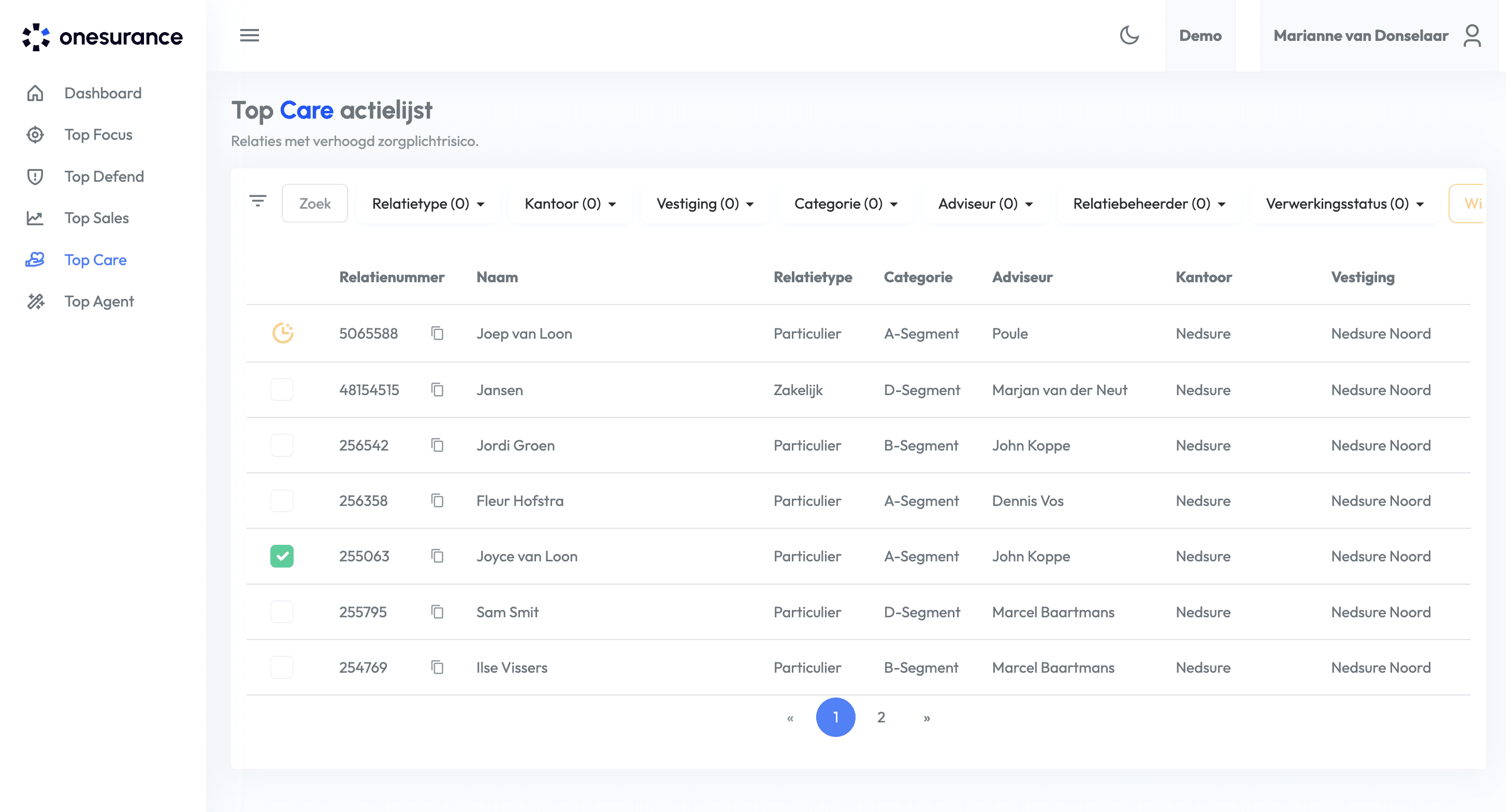
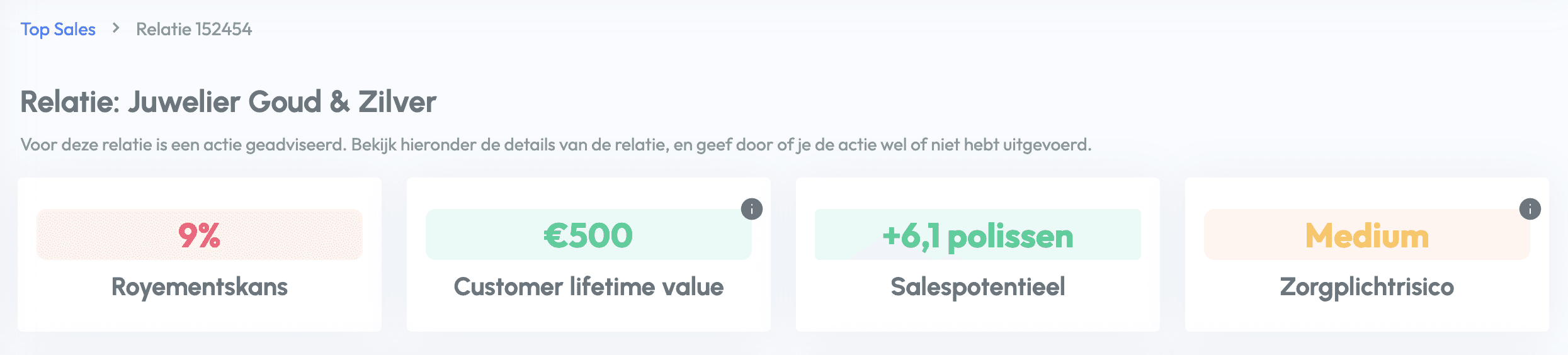
It is now possible to get an action list in your portal that shows customers with a high duty of care risk. If the Top Care model has been activated for your organization, you can also see an indication of the duty of care risk for all customers. This also shows why this customer has the score in question.
Read more about Top Care on this documentation page.
Risk module
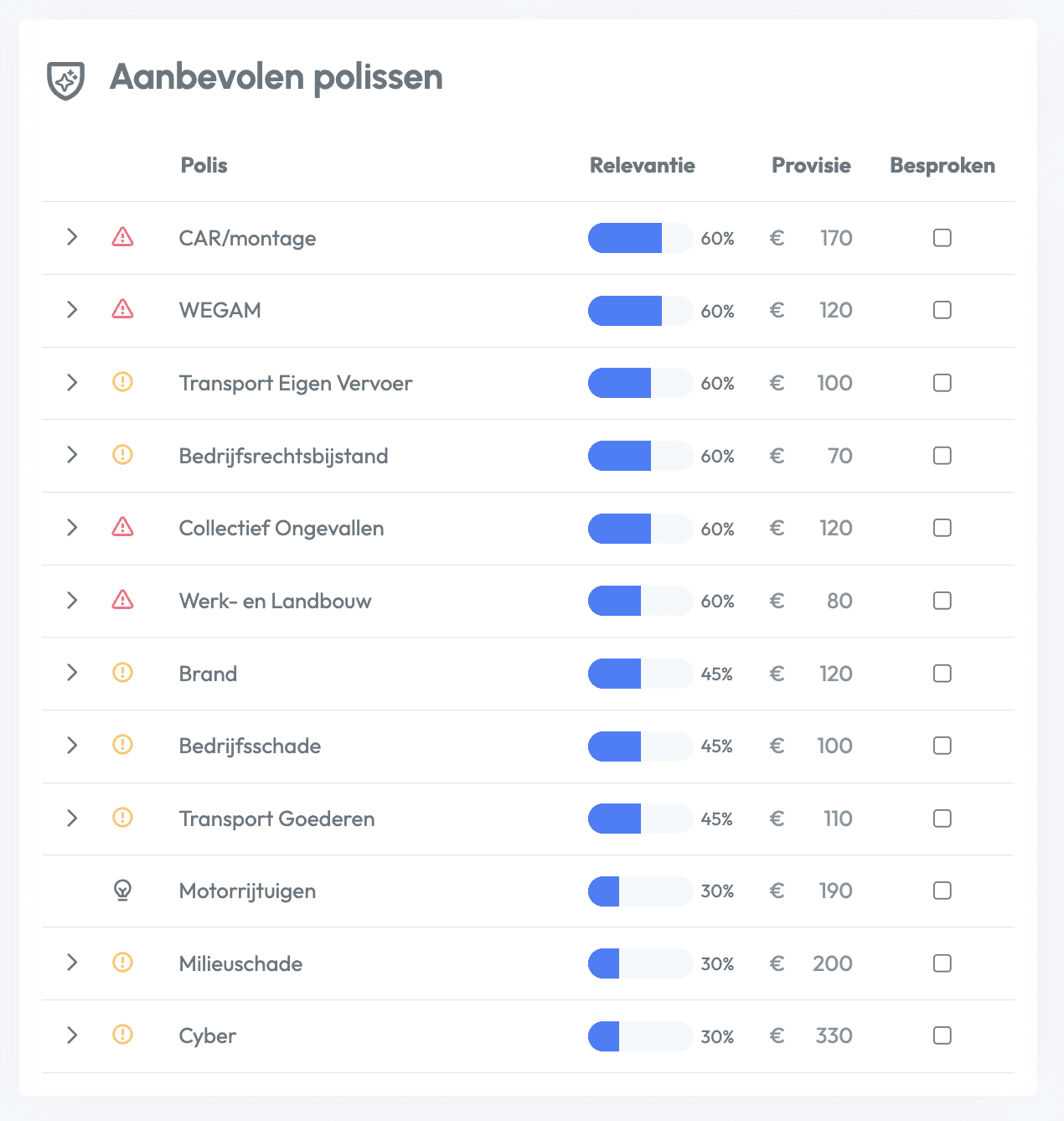
The new Risk module is available in beta. The Risk module involves conducting an in-depth analysis of business customers and their risk profiles. Where possible, unhedged risks are linked to policy groups. For each risk, there is an indication of urgency, a detailed explanation, and a step-by-step plan for discussing this risk with the relevant customer.
Read more about the new Risk module here.
Do you have any questions about the new possibilities? Please contact your account manager.